Choosing a backend for your SaaS: Next.js, Postgres and when you need more
Web apps
Choosing a backend for your SaaS: Next.js, Postgres and when you need more
A practical guide to SaaS backend architecture: when a Next.js full-stack app with PostgreSQL is enough, how to handle auth, billing, background jobs, files and multi-tenancy, and when to split into services.
In short
A practical guide to SaaS backend architecture: when a Next.js full-stack app with PostgreSQL is enough, how to handle auth, billing, background jobs, files and multi-tenancy, and when to split into services.
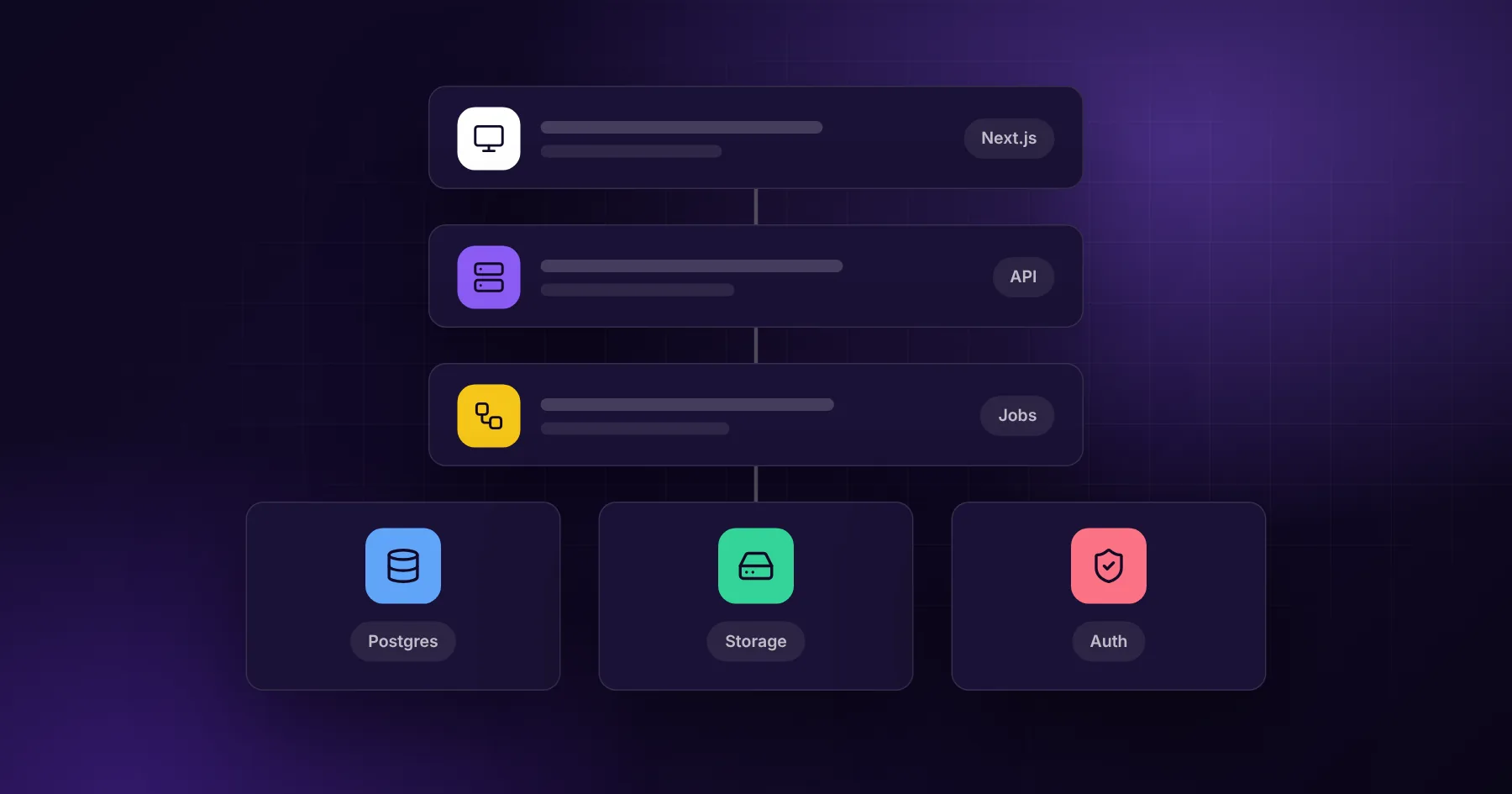
For most new SaaS products, a single full-stack application (for example Next.js with server actions or API routes), a PostgreSQL database, a background job worker, managed authentication and Stripe for billing is the right backend. It is fast to build, easy to run, and scales further than most products ever need. Split into separate services only when a specific part has very different load, team or reliability needs.
Teams often over-engineer the backend of a new product: microservices, several databases and message brokers before the first paying customer. That slows development and adds operational work without adding value. This guide covers the decisions that matter and the order in which to make them.
The default architecture
Layer
Default choice
Why
App and API
Next.js (or another full-stack framework)
One codebase for the marketing site, app and API
Database
PostgreSQL
Reliable, relational, handles JSON, full-text search and job queues
Data access
An ORM or query builder (Prisma, Drizzle)
Typed queries and migrations
Auth
Auth.js or a hosted provider
Secure sign-in without building it yourself
Billing
Stripe
Subscriptions, invoices, tax and webhooks
Background work
A job queue and worker process
Long tasks, retries, schedules
Files
Object storage (S3-compatible, such as Cloudflare R2)
Uploads and generated files
Email
A transactional email provider
Sign-up, reset, notifications
Monitoring
Error tracking and logs
Know about problems before users report them
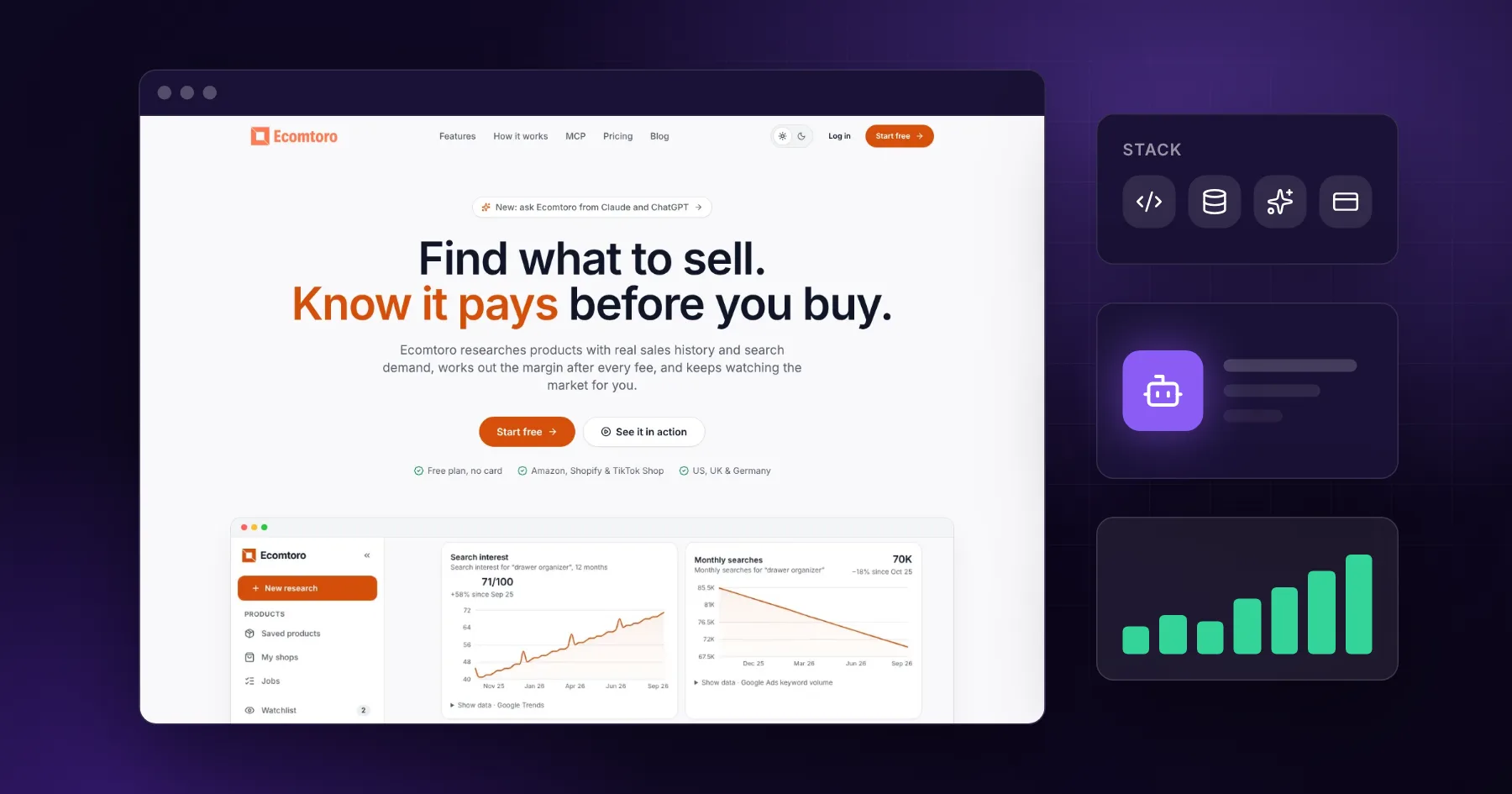
This is close to what we used for Ecomtoro: Next.js, PostgreSQL with Prisma, Auth.js, Stripe and a Postgres-backed job queue with a separate worker.
Why PostgreSQL is usually the right database
Relational data fits most SaaS: users, accounts, projects, invoices, permissions.
JSON columns handle flexible data without a second database.
Full-text search covers many search needs before you need a search engine.
Transactions keep billing and usage data consistent.
Job queues can run inside Postgres, so you avoid another system at the start.
Use a managed Postgres service with automated backups and point-in-time recovery. Your data is the business.
Multi-tenancy: decide early
Most B2B SaaS products serve many companies from one system. The simplest safe pattern is a shared database where every row belongs to an account (account_id), and every query filters by it. Enforce this in one place in your code, not in every query by hand. Row-level security in Postgres can add a second layer of protection.
Separate databases per client only make sense for strict compliance needs or very large customers.
Authentication and permissions
Use a proven auth library or provider. Do not write password hashing or session handling yourself.
Support email and at least one social or SSO login if your customers expect it.
Model roles simply at first: owner, admin, member.
Check permissions on the server for every action, never only in the interface.
Billing is a backend feature
Stripe handles payments, but your backend must know what each account is allowed to do:
Store the plan and status from Stripe webhooks in your own database
Enforce limits (seats, projects, usage) on the server
Handle failed payments, grace periods and cancellations
Make the webhook handling idempotent, so repeated events do not double-count
Background jobs: where most complexity hides
Anything slow, scheduled or unreliable should run outside the web request:
AI processing and research runs
Imports and exports
Sending batches of emails
Syncing with external APIs
Nightly reports and clean-ups
A job queue gives you retries, schedules and visibility. A separate worker process means a slow job never makes the app slow. Show progress to the user and notify them when the work is done.
APIs and integrations
If customers or partners will connect to your product, design a clean API from the start: versioned routes, API keys or OAuth, rate limits and good error messages. If AI assistants are part of how your users work, consider an MCP server so tools like Claude and ChatGPT can use your product directly. See connecting payments, CRM and accounting for integration patterns.
Security basics
Validate all input on the server
Keep secrets in environment variables or a secrets manager, never in code
Use HTTPS everywhere and secure cookies
Log access to sensitive data
Keep dependencies updated
Back up the database and test restoring it
When you need more than the default
Split out a separate service or add infrastructure when there is a concrete reason:
Signal
What to add
Search across millions of records with complex ranking
A dedicated search engine
Very high write volume of events or analytics
A separate analytics store
Real-time collaboration or live updates for many users
WebSockets or a real-time service
A heavy processing part with its own scaling needs
A separate worker service
Several teams working on clearly separate domains
Separate services with clear contracts
Strict data residency per client
Separate deployments or databases
Until then, a well-structured single application is easier to change, test and run.
Hosting
A single app plus a worker and a managed database can run on a simple container platform or a VPS with Docker. Choose based on your team's skills and support needs. What matters most is automated deploys, backups, monitoring and a way to roll back.