How to structure a service business website that brings enquiries
Websites
How to structure a service business website that brings enquiries
A proven page structure for service companies: which pages you need, what goes on each one, how to order sections, and how to link them so visitors and Google find the right offer.
In short
A proven page structure for service companies: which pages you need, what goes on each one, how to order sections, and how to link them so visitors and Google find the right offer.
A service business website works when every service has its own page, every page answers one question, and every page ends with an obvious next step. The structure that does this is simple: a homepage that routes people, one page per service, proof pages (case studies, reviews), a few trust pages, and a contact path that is never more than one click away.
Most service websites fail not because of design, but because of structure. All services are squeezed onto one page, the homepage tries to say everything, and the visitor has to guess where to click. This guide gives you a structure you can copy, then shows what to put on each page.
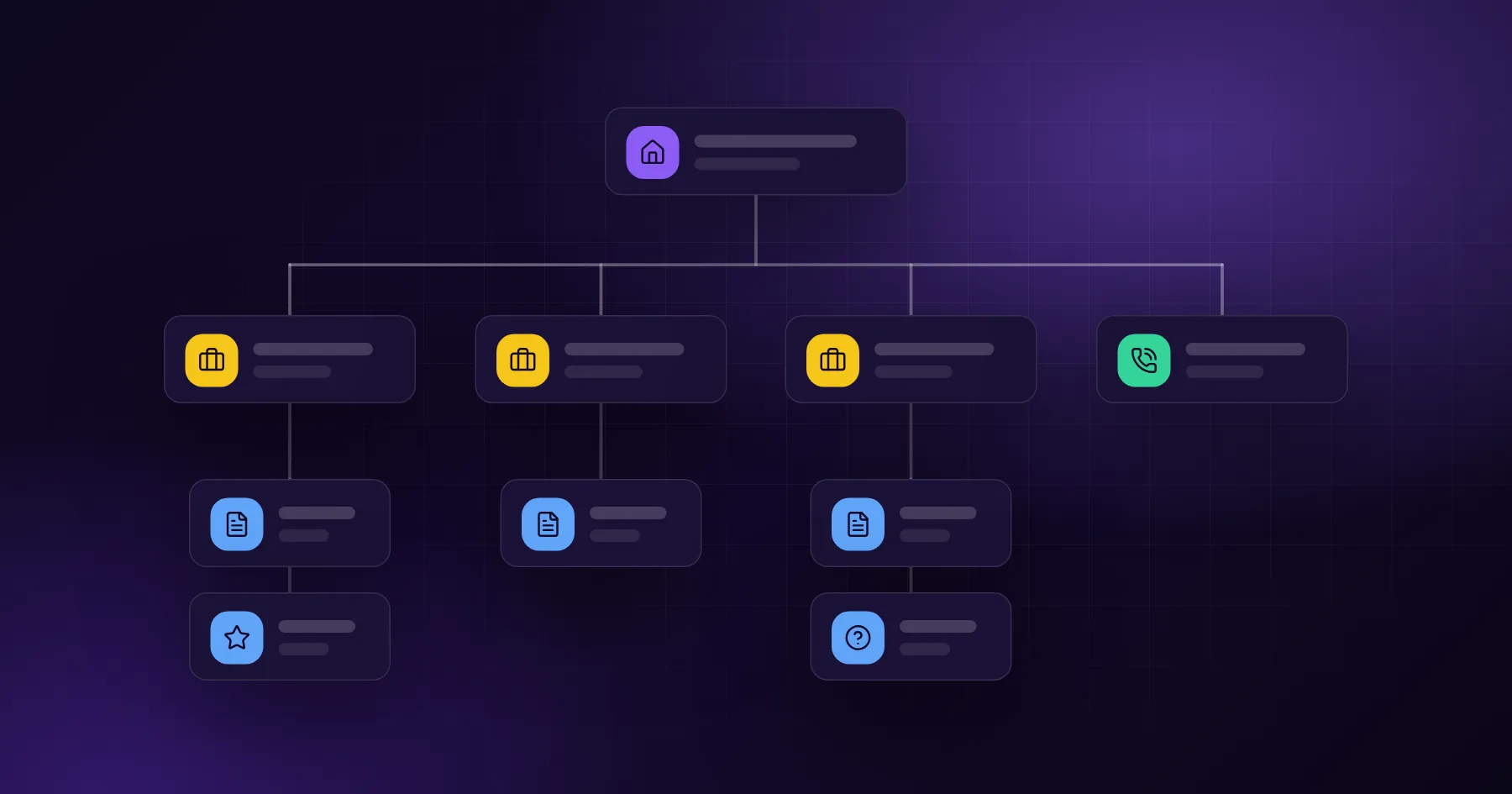
The sitemap that works for most service companies
Start with this tree and adapt it. It fits a plumber, a law firm, a logistics company, or a software agency.
Level
Page
Job of the page
1
Homepage
Say what you do, for whom, and route visitors to the right service
2
Service pages (one per service)
Win the search and convince one type of buyer
2
Case studies or portfolio
Prove you have done it before
2
About
Show the people and why they can be trusted
2
Contact
Make it easy to start the conversation
3
Sub-service or location pages
Capture narrower searches, such as a service in a city
3
Blog posts
Answer questions customers ask before they buy
The rule is one intent per page. If a person would search for it separately, it deserves its own page. "Office cleaning" and "post-renovation cleaning" are two searches and two buying situations, so they are two pages.
The homepage is a router, not a brochure
The homepage has three jobs: confirm the visitor is in the right place, show why you are a safe choice, and send them to the right service. It does not need to explain every detail.
A reliable section order:
Hero: what you do, for whom, and where. One sentence, one main button.
Services: a short card for each service that links to its page.
Proof: client logos, numbers, a short case study, reviews.
How it works: three or four steps from first call to result.
About in one paragraph: who is behind the company.
Contact: a short form, phone and email.
On our own homepage, the logo strip and portfolio previews do the proof job. They show real projects such as StachTrans, GakPak and Ecomtoro instead of describing them.
What every service page needs
The service page is where the sale happens. It should be able to stand alone, because many visitors land on it straight from Google and never see the homepage.
Use this skeleton for every service page:
Headline with the service and the outcome. "Office cleaning in Warsaw for companies that want a spotless office by 8 am" says more than "Our services".
Who it is for. Two or three short descriptions of the typical client.
The problem you solve. In the client's words, not industry terms.
What is included. A clear list of deliverables.
How it works. Steps and a realistic timeline.
Proof. One case study or review that matches this exact service.
Price guidance. A range, a "from" price, or what changes the price.
FAQ. The five questions sales hears most often.
Call to action. A form or button repeated at the end.
Proof pages: case studies beat adjectives
"Professional", "experienced" and "reliable" do not convince anyone. A case study does. A good case study is short and specific:
The client and their situation before
What they needed and why it was hard
What you did, step by step
The result, with a number if you have one
A quote from the client
Link each case study to the matching service page and back. That gives the visitor proof at the moment of decision and gives Google a clear topic cluster.
Internal linking: how pages help each other
Internal links tell visitors where to go next and tell search engines which pages matter. A simple linking plan:
Homepage links to every service page.
Every service page links to its case studies, related services and the contact page.
Every blog post links to at least one service page and two related posts.
Case studies link back to the service they used.
This is the same structure we use when we plan SEO strategy for clients. It is also why each article on this blog ends with links to services and related reading.
The contact path
Visitors should never need to search for a way to contact you. Put the contact option in four places: the header (button), the end of every service page, a sticky button on mobile, and the footer.
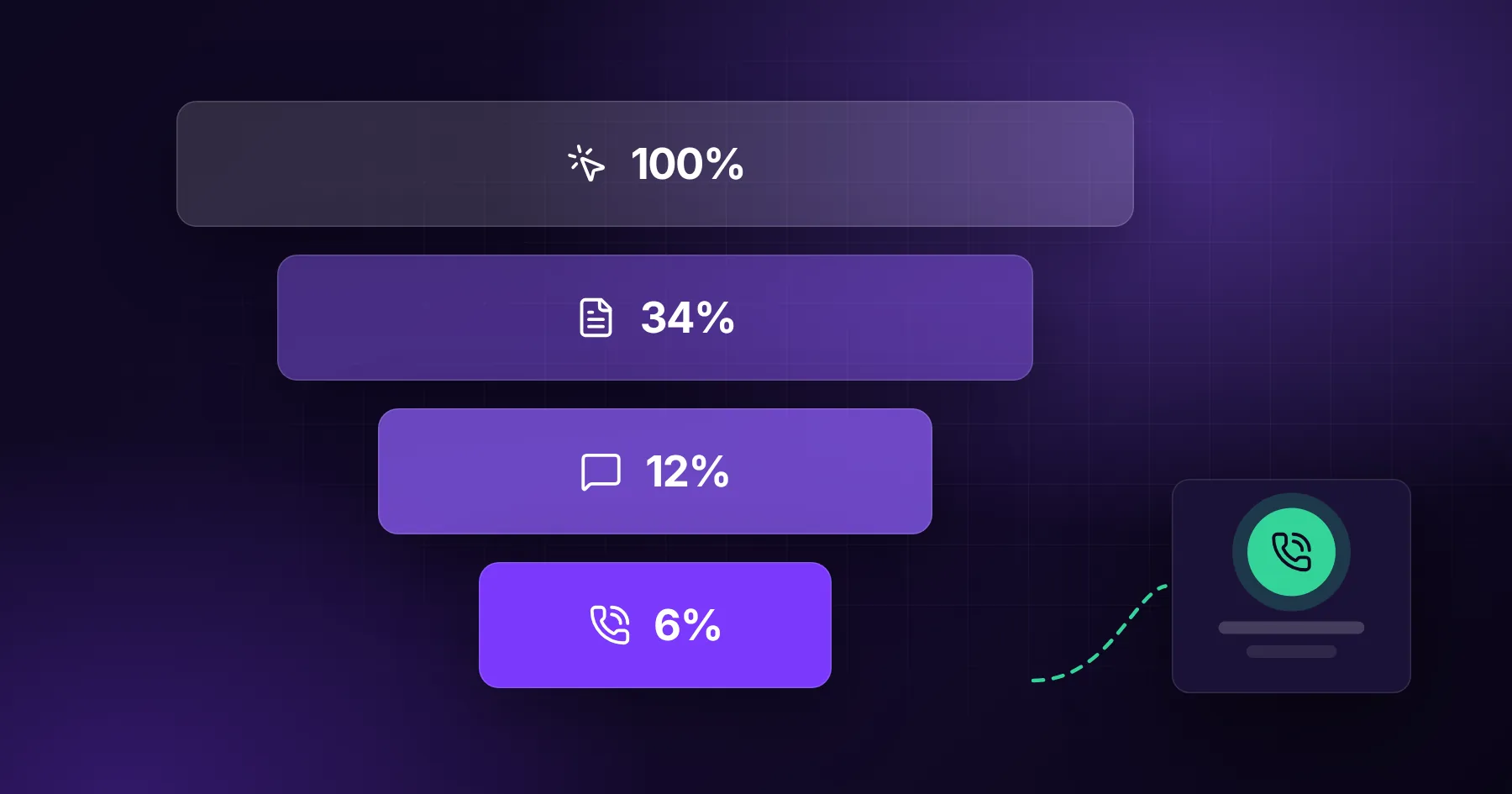
Keep the form short. Name, email or phone, and one open question ("What do you need?") is enough to start. Every extra field lowers the number of people who send it. We cover this in detail in from website visit to phone call and in our contact strategy service.
Navigation that does not get in the way
Keep the main menu to five to seven items.
Use a "Services" drop-down when you have more than four services.
Name items in plain words: "Services", "Work", "About", "Contact".
Put the main call to action as a button on the right side of the header.
How location pages fit in
If you serve several cities, location pages can bring local searches. They only work when each page has real local content: local projects, local team members, local reviews, and directions. A page that only swaps the city name is thin content and can hurt the whole site. See our guide to local SEO for service companies.
A checklist before you launch
Every service has its own page with a unique headline and proof
The homepage routes to every service in one click
Each service page has a call to action at the top and bottom
Case studies link to services and back
Blog posts link to services
Contact is reachable from every page on mobile
Page titles and descriptions are unique
Analytics tracks form sends and phone clicks
How we build service websites
We start every website project with the sitemap and the contact path, before any design. Once the structure is agreed, design and copy fill a clear frame and the project moves quickly. If you would like us to look at your current structure, send us your address through the contact form.
Frequently asked questions
How many pages does a service business website need?
Usually between 6 and 15: homepage, one page per main service, two or three case studies, about and contact. Add blog posts and location pages over time.
Should all services be on one page?
No. One page per service ranks better and converts better, because each page can speak to one type of buyer and one search.
Where should the contact form go?
At the end of every service page and on a dedicated contact page, with a contact button in the header and a sticky button on mobile.
Is a one-page website enough?
For a brand-new company or a single offer, yes, as a start. As soon as you offer several services or want traffic from Google, you need separate pages.