AI agents for a small business: 7 practical use cases and how to run them safely
Automation
AI agents for a small business: 7 practical use cases and how to run them safely
What an AI agent is, how it differs from a chatbot or a simple automation, seven use cases that work for small companies, how to design approvals and limits, and how to start.
In short
What an AI agent is, how it differs from a chatbot or a simple automation, seven use cases that work for small companies, how to design approvals and limits, and how to start.
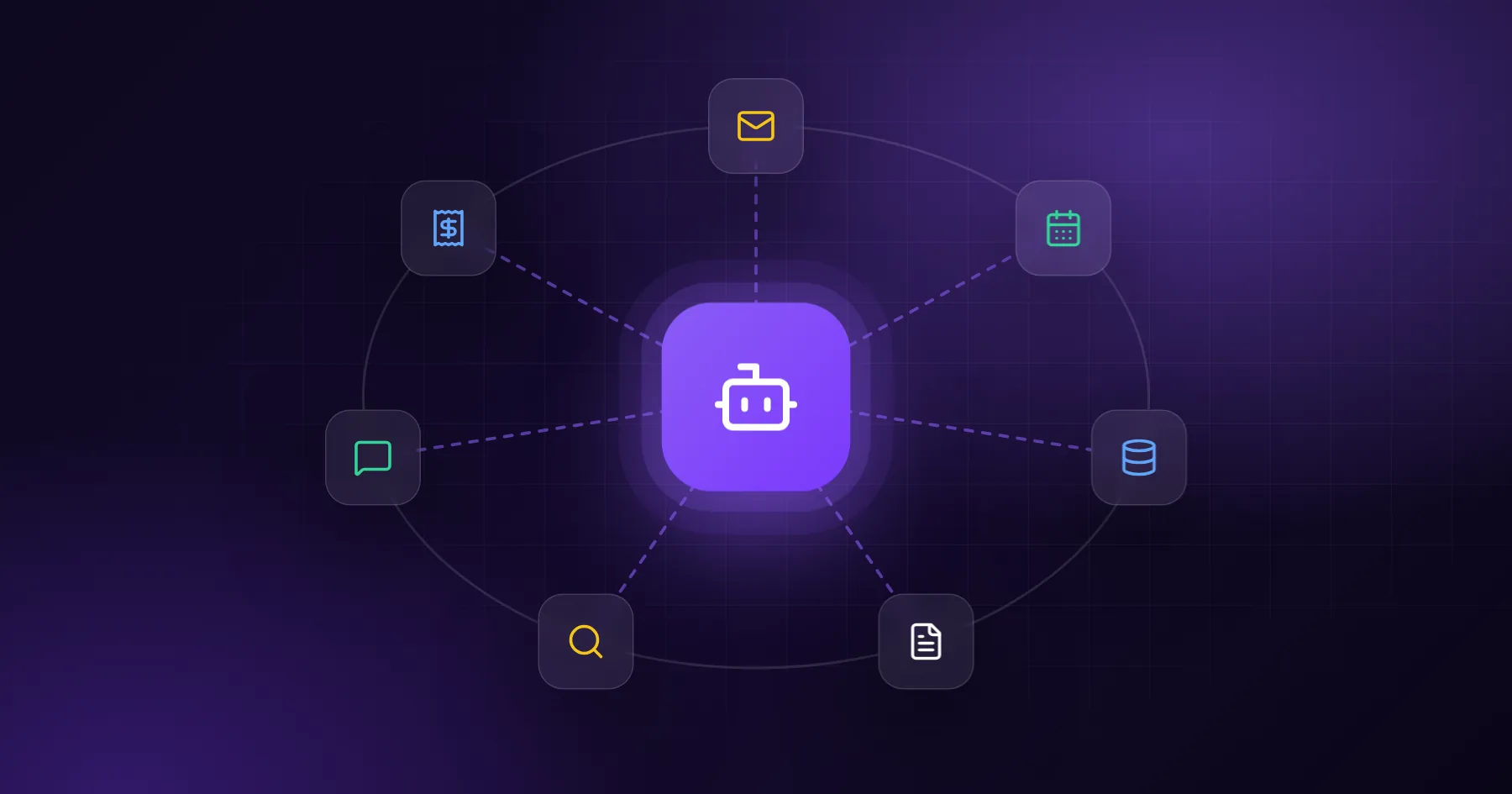
An AI agent is software that receives a goal, decides which steps to take, uses tools such as your inbox, calendar, CRM or database to take them, and reports back or asks for approval. Unlike a chatbot, it does not just answer; unlike a fixed automation, it can handle variation. For a small business, the best agents do one well-defined job end to end, with a human approving anything that leaves the company.
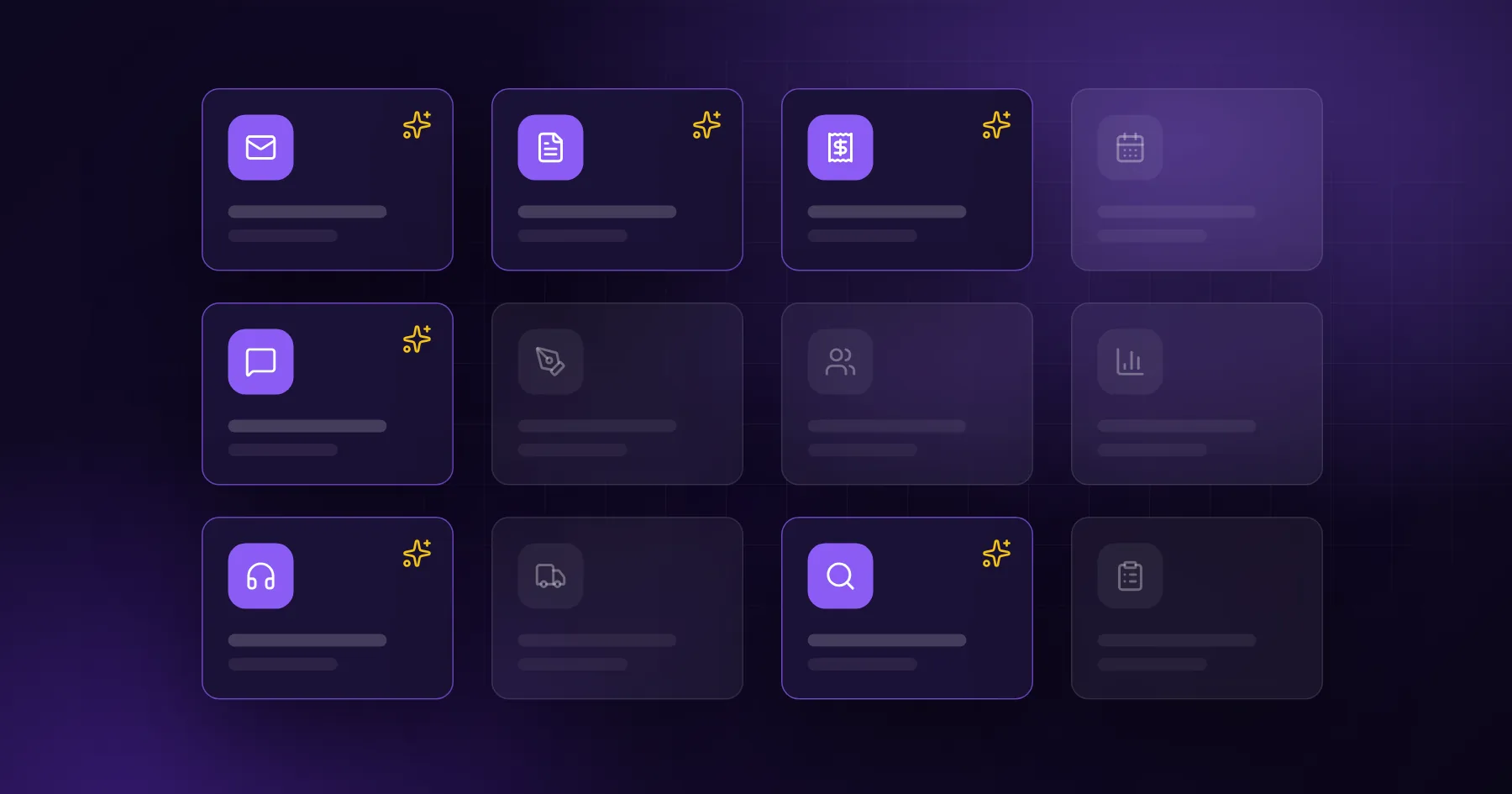
Agents are useful where work has many small steps across several tools and the steps change a little from case to case. Below are seven use cases we see working in small companies, followed by how to design them safely.
Chatbot, automation or agent?
Chatbot
Fixed automation
AI agent
What it does
Answers questions
Runs the same steps every time
Plans steps toward a goal
Handles variation
Some
No
Yes
Uses your tools
Rarely
Yes, fixed
Yes, chooses which
Example
FAQ on the website
"When a form is sent, add a row to the CRM"
"Handle this enquiry: understand it, check availability, draft a reply"
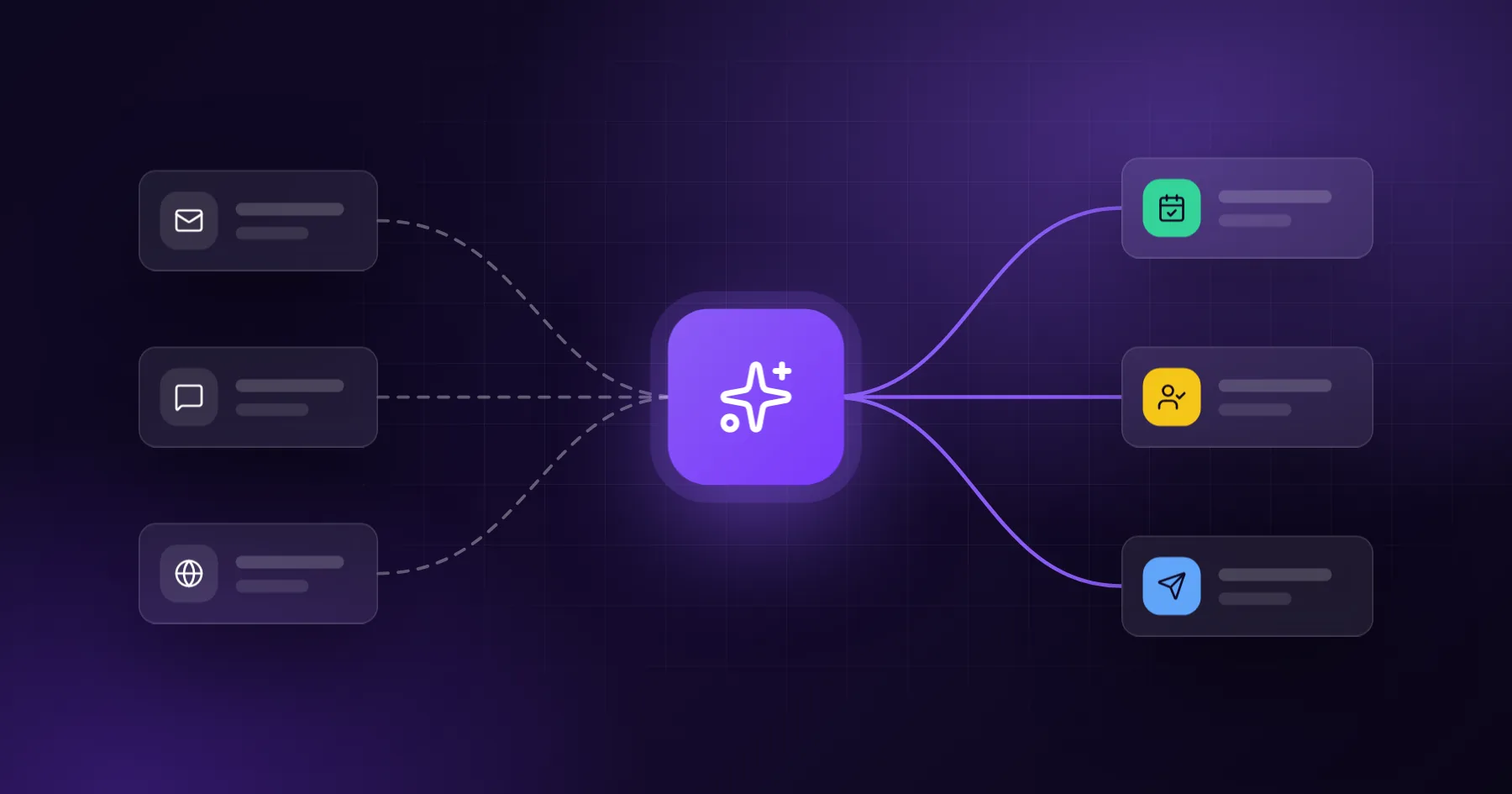
Many good solutions combine all three: an automation triggers the agent, the agent does the variable part, and a fixed step logs the result.
7 use cases that work
1. Enquiry handling agent
Reads a new enquiry, extracts what the client needs, checks your calendar for free slots, looks up similar past projects, and drafts a reply with two proposed meeting times. A person approves and sends. We describe the building blocks in AI automation for lead handling.
2. Quote preparation agent
Takes notes from a sales call, matches them to your price list and service catalogue, and prepares a draft offer in your template, with open questions highlighted. Your salesperson checks the numbers and sends it.
3. Back-office document agent
Watches an inbox for invoices, orders or delivery notes, extracts the data, checks it against open orders, and creates draft entries in your system. Anything that does not match is flagged for a person.
4. Research agent
Collects and compares information on a supplier, a market or a competitor, then writes a short brief with sources. Our own product Ecomtoro is built around a research agent for product decisions.
5. Content agent
Researches a topic, drafts a blog post or product description in your brand voice, and prepares it for review. FabulaGen, another of our products, runs this workflow for blogs and social channels.
6. Customer support agent
Answers common questions from your knowledge base and order data ("Where is my order?"), and hands over to a person with a summary when the question is unusual or the client is unhappy.
7. Reporting agent
Every Monday, pulls numbers from analytics, ads, CRM and accounting, and writes a one-page summary in plain words: what changed, what needs attention, and suggested next steps.
Designing an agent safely
Give it a narrow job
"Handle enquiries for bathroom renovations" works better than "help the business". A narrow job makes instructions short, testing easy and mistakes rare.
Limit its tools
Give the agent only the tools it needs. A quote agent may read the price list and create a draft; it should not send emails or change prices. Read access is safer than write access, and drafts are safer than final actions.
Require approval for anything external
Anything that reaches a client, a supplier or money should go through a person. Approval can be one click in a dashboard, Slack or email. As confidence grows, you can allow automatic sending for low-risk cases.
Log everything
Keep a record of what the agent read, which tools it used, and what it produced. When something goes wrong, the log tells you why, and it helps you improve the instructions.
Handle uncertainty
Tell the agent what to do when information is missing: ask a question, flag the case, or stop. An agent that guesses is the main source of errors.
Which model and platform?
For most small-business agents, a capable general model from a major provider is the right start. What matters more than the model is the design: clear instructions, good tools and a review step.
You can build agents with:
Low-code platforms (such as n8n or Make with AI steps) for simple flows
Custom code on your own backend when the agent needs your data, specific rules or higher volume
MCP connectors so an assistant like Claude can use your systems as tools, as we did for Ecomtoro
How to start
List repetitive multi-step tasks that take more than an hour a week.
Pick one with a clear goal and a quick way to check the result.
Map the steps and tools a person uses today.
Build a pilot that produces drafts only, with a person approving.
Measure time saved, error rate and response speed for a few weeks.
Widen carefully: more cases, fewer approvals for low-risk ones, then the next task.
We design and build agents as part of our AI automations service, connected to your existing tools through integrations, and with dashboards for approvals when needed. We use the same approach in our own products, so the patterns are tested in production. Tell us which task you would like to hand off.
Frequently asked questions
Is an AI agent the same as a chatbot?
No. A chatbot answers questions. An agent works toward a goal by taking steps with your tools, such as reading email, checking a calendar or creating a draft in your CRM.
Can an AI agent make mistakes?
Yes, which is why agents in a business should produce drafts, flag uncertainty and require approval for external actions. Logs help find and fix the cause.
How long does it take to build an agent?
A focused pilot for one task usually takes a few weeks, including connecting the tools and testing with real cases.
Do agents need access to all our data?
No. Give each agent only the data and tools its task needs. That limits risk and makes the agent easier to test.