When a mobile app makes sense for a business (and when a web app is enough)
Mobile apps
When a mobile app makes sense for a business (and when a web app is enough)
How to decide between a native mobile app, a cross-platform app, a progressive web app or a responsive website: use cases, costs, app store realities and a decision checklist.
In short
How to decide between a native mobile app, a cross-platform app, a progressive web app or a responsive website: use cases, costs, app store realities and a decision checklist.
A mobile app makes sense when people use your product often, need it on the go, and benefit from things only an installed app does well: push notifications, offline work, the camera, location, or fast access from the home screen. If people visit occasionally or mainly need information, a fast responsive website or a progressive web app (PWA) usually gives the same value at a fraction of the cost.
"We need an app" is one of the most common requests we hear. Sometimes it is exactly right. Often the real need is a better mobile experience, which a web app can deliver without app stores. This guide helps you tell the difference.
Four options, not two
Option
What it is
Best for
Responsive website
One site that adapts to every screen
Information, marketing, occasional use
Progressive web app (PWA)
A web app that can be installed and work partly offline
Tools used weekly, simple portals, internal apps
Cross-platform app
One codebase for iOS and Android (React Native, Flutter)
Most business apps that need store presence and device features
Native app
Separate apps in Swift and Kotlin
Heavy graphics, complex device integration, top performance
For most companies the choice is between a PWA and a cross-platform app. Fully native apps make sense for a smaller set of demanding products.
Signs you need a real mobile app
Frequent use. People open it daily or several times a week.
Push notifications are central. Reminders, alerts, status changes that must reach people right away.
Offline work. Field teams in basements, warehouses, construction sites or rural areas.
Device features. Camera for scanning, GPS for tracking, Bluetooth, NFC, biometrics.
App store presence matters. Your customers search the stores, or your competitors are there.
Habit and loyalty. A loyalty program, ordering, bookings where an icon on the home screen drives repeat use.
Signs a web app is enough
People use it a few times a month or less
The main job is to read information or fill in a form
Users are mainly at a desk, or the tool is internal
You need to update content and features often without store reviews
The budget has to cover both web and mobile and you can only afford one
What an app costs beyond the build
A mobile app has costs a website does not:
Two platforms to test and support, even with a shared codebase
Store reviews for every release, which can delay fixes
Developer accounts for Apple and Google
OS updates every year that can break features
Download friction: every user has to find, install and log in
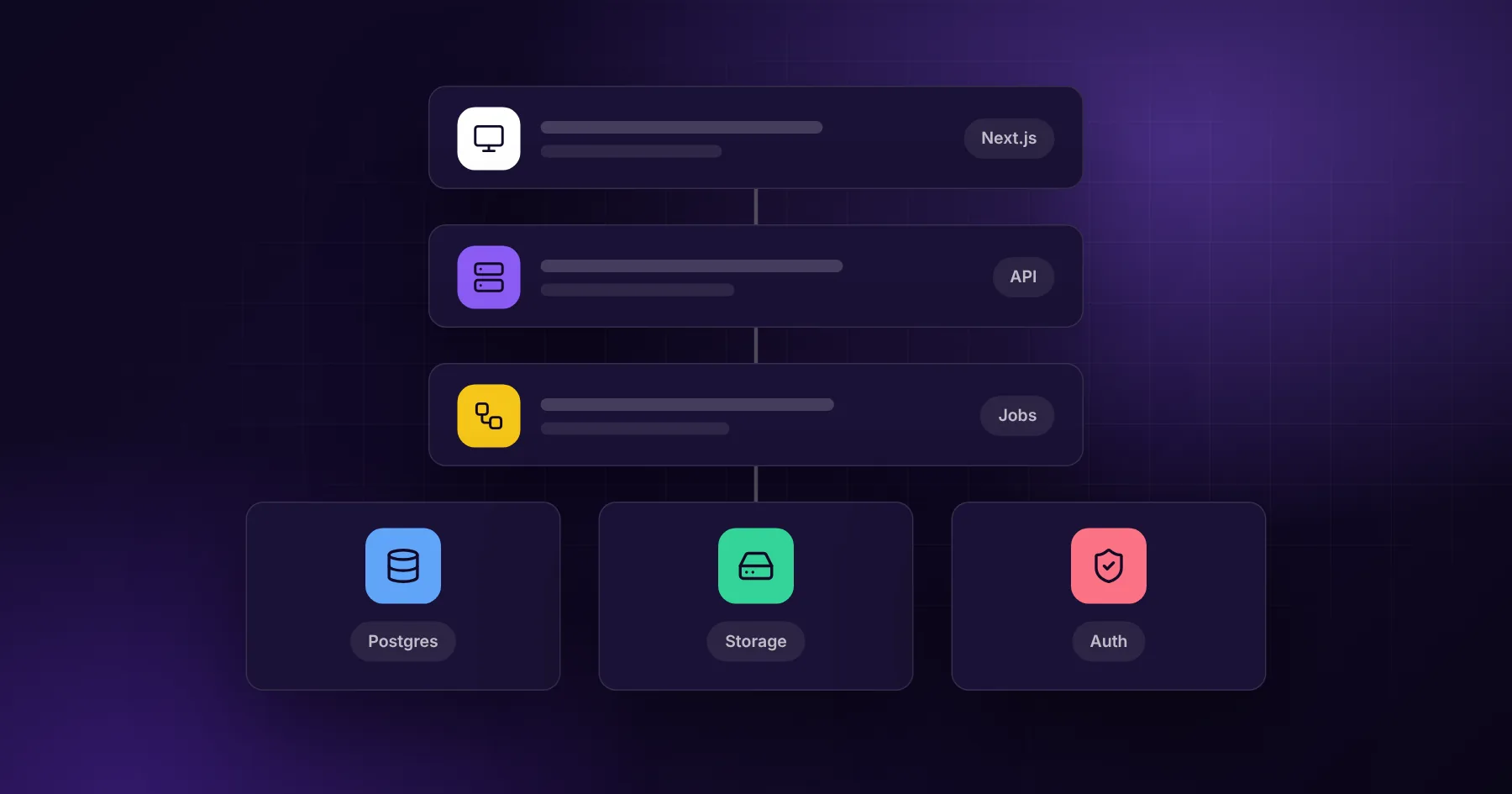
Backend and API that the app talks to, usually the bigger part of the work
That is why we always plan the backend and the web version together with the app. The app is one client of the same system.
Common business use cases
Use case
Our usual recommendation
Field service: jobs, photos, signatures
Cross-platform app with offline mode
Customer ordering and loyalty
Cross-platform app, with a web version for first orders
Client portal with documents and status
Responsive web app or PWA
Internal reporting and dashboards
Web app
Booking for a single location
Website with booking; app only for regulars
Logistics and driver tracking
Cross-platform app using GPS in the background
How a mobile project runs
Discovery: who uses it, where, how often, and which device features are essential.
Prototype: clickable screens tested with a few real users on their phones.
MVP: the core flow on both platforms, connected to the backend.
Beta: TestFlight and Google Play internal testing with a small group.
Launch: store listings, screenshots, privacy details, review.
A first version of a focused business app usually takes 8–14 weeks, depending on the number of screens, integrations and offline needs. Read MVP in 6–8 weeks for how we keep first versions small.
Start with the web, add the app
A strategy that works well for many companies: launch a responsive web app first, learn which features people use, then build a mobile app for the most frequent users with the features that benefit from it. The same backend serves both, so nothing is wasted.
A decision checklist
How often will a typical user open it?
Do we need push notifications to deliver the value?
Do users work without reliable internet?
Do we need camera, GPS, Bluetooth or NFC?
Will users find it in the app stores, or through us?
Can we support releases on two platforms for years?
Is a web version needed anyway?
If most answers point to frequent, mobile, device-heavy use, build an app. If not, build a great web experience first.
How we help
We design and build mobile apps and web applications on a shared backend, so you can start with one and add the other. If you are deciding what to build, the product design phase answers this question with real users before development begins. Tell us about your idea through the contact form.
Frequently asked questions
Is a PWA as good as a native app?
For many business tools, yes. PWAs can be installed, work partly offline and send notifications on most platforms. They are weaker for heavy device integration and do not appear in app stores in the same way.
Should we build for iOS or Android first?
With cross-platform tools you build both at once. If you must choose, look at what your users actually carry; in many B2B and Polish consumer markets Android has a large share, while some premium audiences lean to iOS.
How long does it take to publish an app in the stores?
Store review usually takes from a day to a few days. Plan time for listings, screenshots and privacy information before the first release.
Can our existing website become an app?
The backend and content often can be reused. The interface usually needs to be designed for app-style navigation, but a good web app can be wrapped or turned into a PWA quickly.