From website visit to phone call: forms, chat and lead routing that work
Websites
From website visit to phone call: forms, chat and lead routing that work
How to turn website visitors into conversations: choosing contact options, designing short forms, click-to-call and chat, fast replies, lead routing, tracking and fixing the steps where people drop off.
In short
How to turn website visitors into conversations: choosing contact options, designing short forms, click-to-call and chat, fast replies, lead routing, tracking and fixing the steps where people drop off.
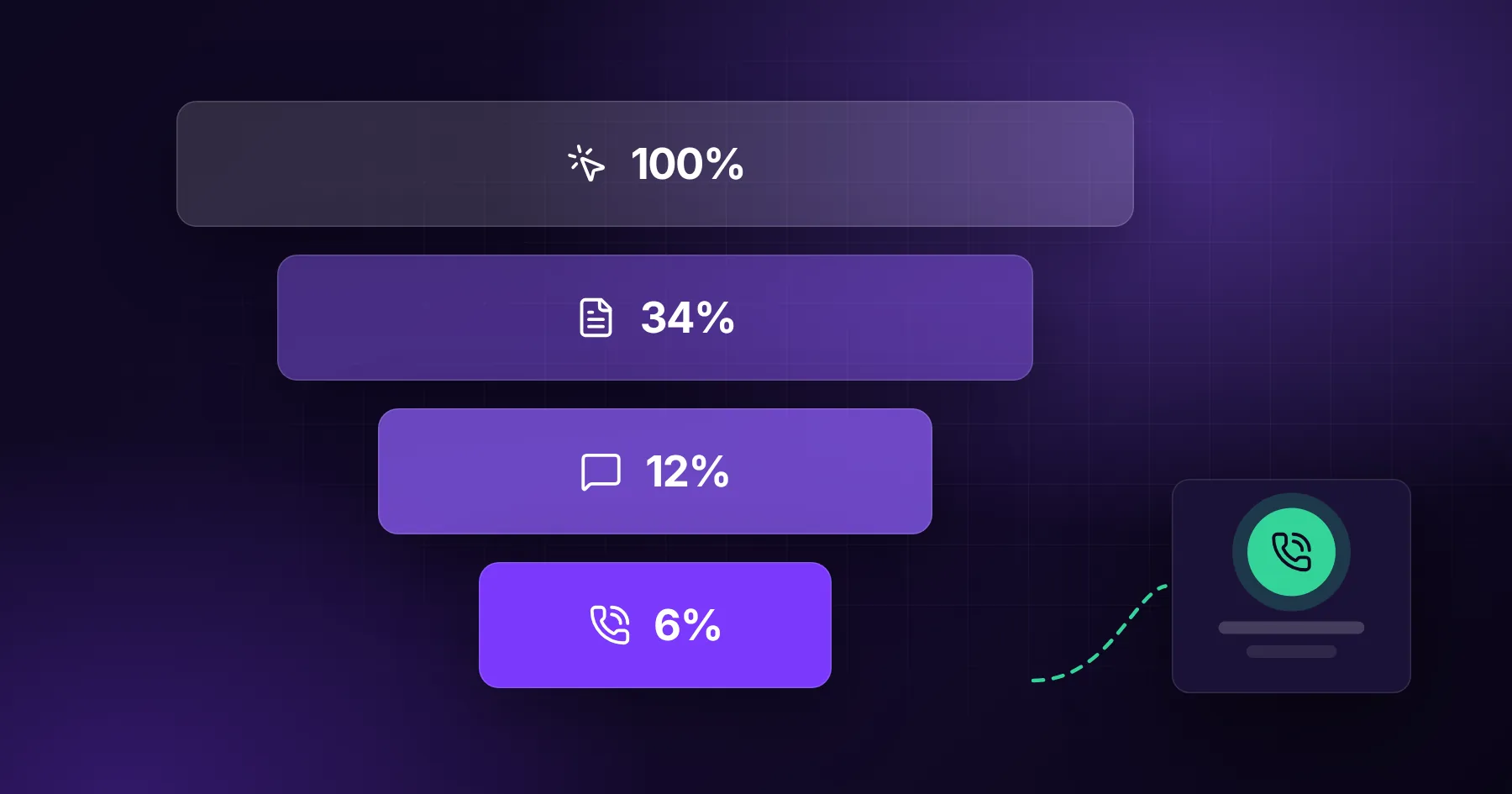
A website turns visits into phone calls when the contact options match how your clients prefer to talk, every option is visible from every page, the first step is small (a short form, a tap-to-call button, a booking link), and someone replies within minutes, not days. Most companies lose more leads between "I'm interested" and "we spoke" than anywhere else in the funnel.
You can spend months improving traffic, but if the contact path is hidden, long or slow, most of that effort leaks away. This guide covers the whole path, from the button on the page to the first real conversation.
Where people drop off
Step
Typical problem
Fix
Finding contact
Only in the footer or a "Contact" page
Button in the header, after every section, sticky on mobile
Choosing a channel
Only a form, or only a phone number
Offer two or three options that suit your clients
Filling the form
Too many fields, unclear questions
Three to five fields, optional details
Sending
Errors, captchas, no confirmation
Inline validation, a clear thank-you page
Waiting
Reply after a day or more
Instant confirmation, human reply within minutes or hours
First contact
Call goes to voicemail
Call back fast, offer booking slots
Choose contact options that fit your clients
Different clients prefer different channels. Offer the ones that fit your business:
Phone (click to call): urgent services, local trades, older audiences
Short form: most service companies, especially for quotes
Booking link: consultations, demos, appointments
Chat or WhatsApp: quick questions, younger audiences, e-commerce
Email: B2B, larger projects, when people want to send documents
Two or three options are usually enough. More choice can slow people down.
Make contact visible everywhere
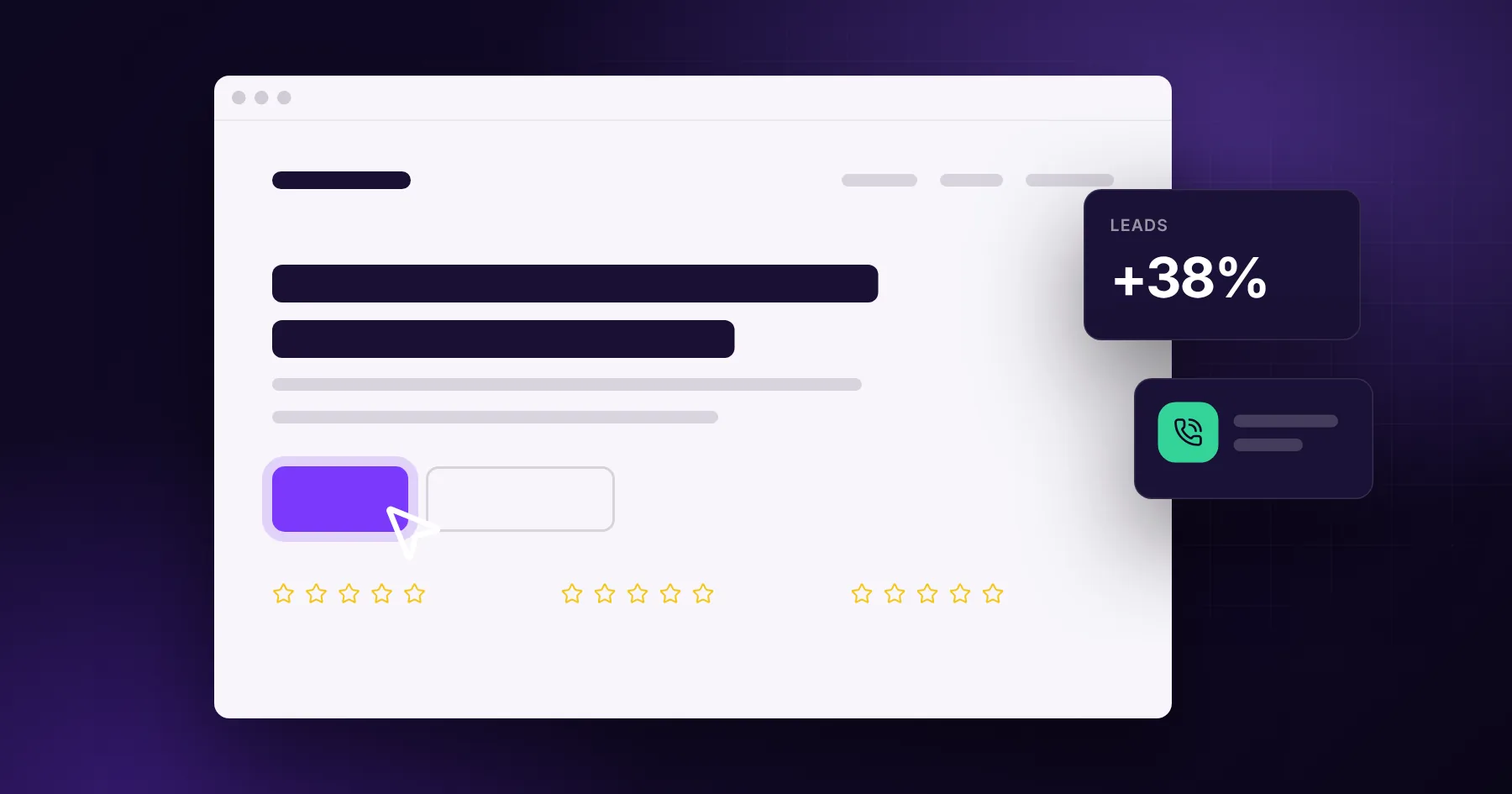
A clear button in the header ("Get a quote", "Book a call")
A call to action at the end of every service page and blog post
A sticky contact or call button on mobile
Phone number and email in the footer and on the contact page
The same wording everywhere, so people recognise the action
Design the form for completion
A form's job is to start a conversation, not to collect a full brief. Keep it short:
Name
Email or phone (let people choose)
What do you need? (one open question, or a short choice list)
Add optional fields only if they help you reply better, such as budget range or timeline as a dropdown. Other rules:
Labels above fields, not only placeholders
Validation that shows errors next to the field as the person types
No captcha if you can avoid it; use invisible spam protection instead
A button that says what happens: "Send and get a reply today"
The thank-you page matters
After sending, people should know exactly what happens next:
"Thanks, Anna. We'll reply by email within 2 hours on working days."
A booking link if they want to choose a call time now
Links to a relevant case study or guide while they wait
This page is also where conversion tracking should fire, once per lead.
Reply fast
Speed is the single biggest factor between enquiry and conversation. Set a target and measure it:
Instant: automatic confirmation that the message arrived
Within minutes or a few hours: a personal reply from a real person
Same day: a call or a proposed meeting time
If your team cannot reply quickly, automation can help: route each lead to the right person, notify them on their phone, and send a useful first reply. We describe how in AI automation for lead handling.
Route leads to the right person
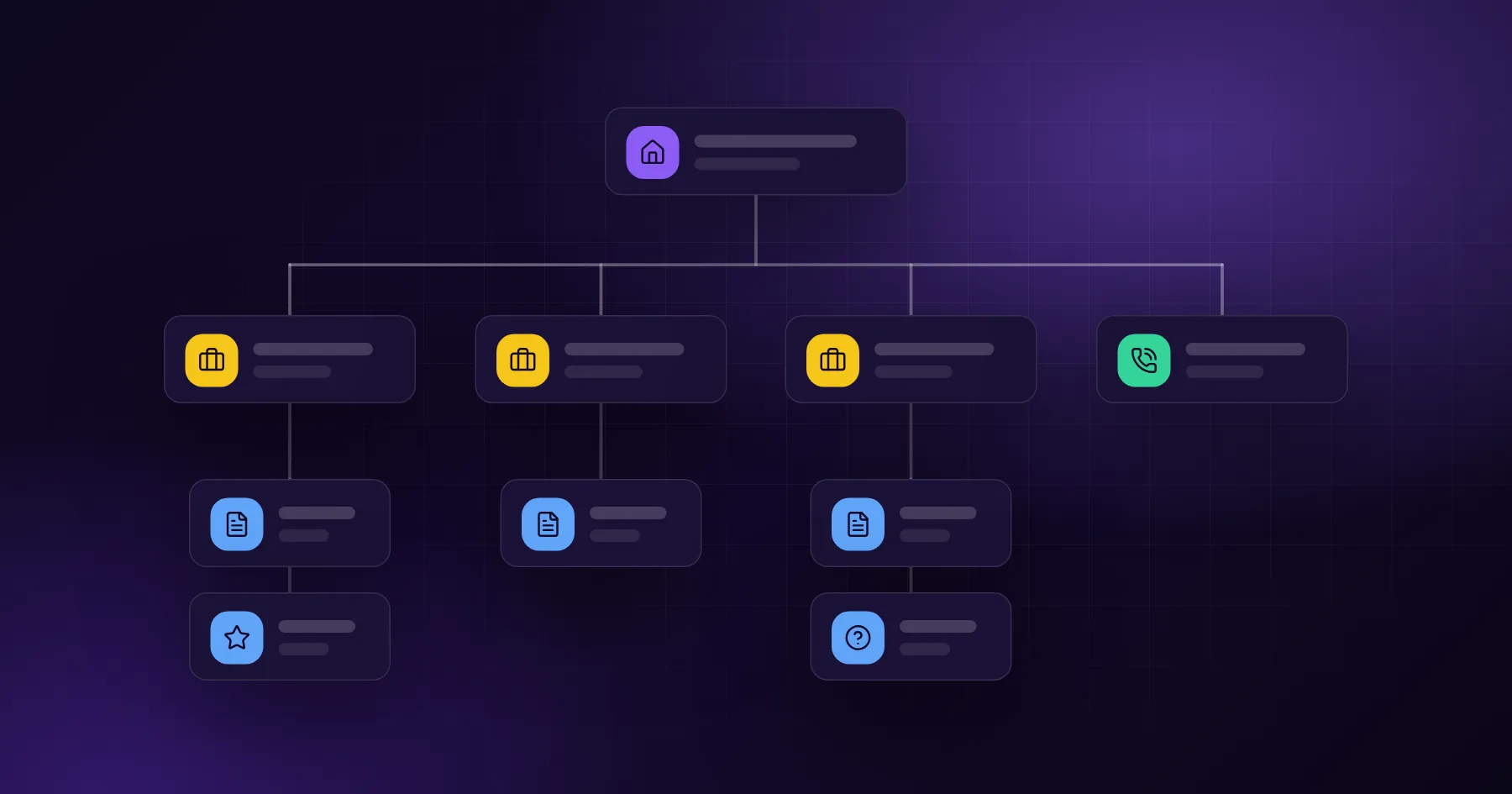
As enquiries grow, decide who handles what:
By service (website vs. app vs. marketing)
By region or language
By size or budget
Round-robin within a sales team
Every lead should land in one place, such as a CRM, with its source, page and campaign attached.
Track the whole path
You cannot fix what you cannot see. Track:
Clicks on contact buttons and phone numbers
Form starts and form sends (the gap shows form problems)
Chat conversations started
Booked meetings
Leads by source and landing page
Time to first reply
Leads that became clients
Compare enquiries per 100 visits on key pages. If a service page gets traffic but few enquiries, look at its contact path first.
A worked example
A service company has a contact form with eight required fields at the bottom of the contact page, and a phone number only in the footer. Replies take one to two days.
Changes:
"Get a quote" button in the header and after each service section
Sticky "Call" button on mobile
Form reduced to name, phone or email, and "What do you need?"
Thank-you page with a promised reply time and a booking link
Leads routed to the owner's phone with a notification
Target: personal reply within two working hours
None of this requires a redesign, and each step removes a reason to give up.
Yes, if you can answer it or call back quickly. For many local and urgent services, phone is the preferred channel.
How many fields should a contact form have?
Three to five for most service businesses. Ask only what you need to reply well; collect details later in the conversation.
Is live chat worth it?
If someone can answer during business hours, or an AI assistant can handle common questions and hand over to a person, chat can bring extra leads. An unanswered chat is worse than none.
How fast should we reply to a lead?
As fast as possible. Aim for an instant confirmation and a personal reply within a few working hours at most.